
01
Start with the moment they feel stuck.
When a simple task turns into confusion, PressHere helps you turn that stressful call into something they can follow calmly.
Send a private, visual guide for passwords, photos, settings, and everyday app tasks — so they can follow one clear step at a time.

Step 2 of 5
Tap Settings
One clear action, with room for a voice note.
How it works
01
When a simple task turns into confusion, PressHere helps you turn that stressful call into something they can follow calmly.
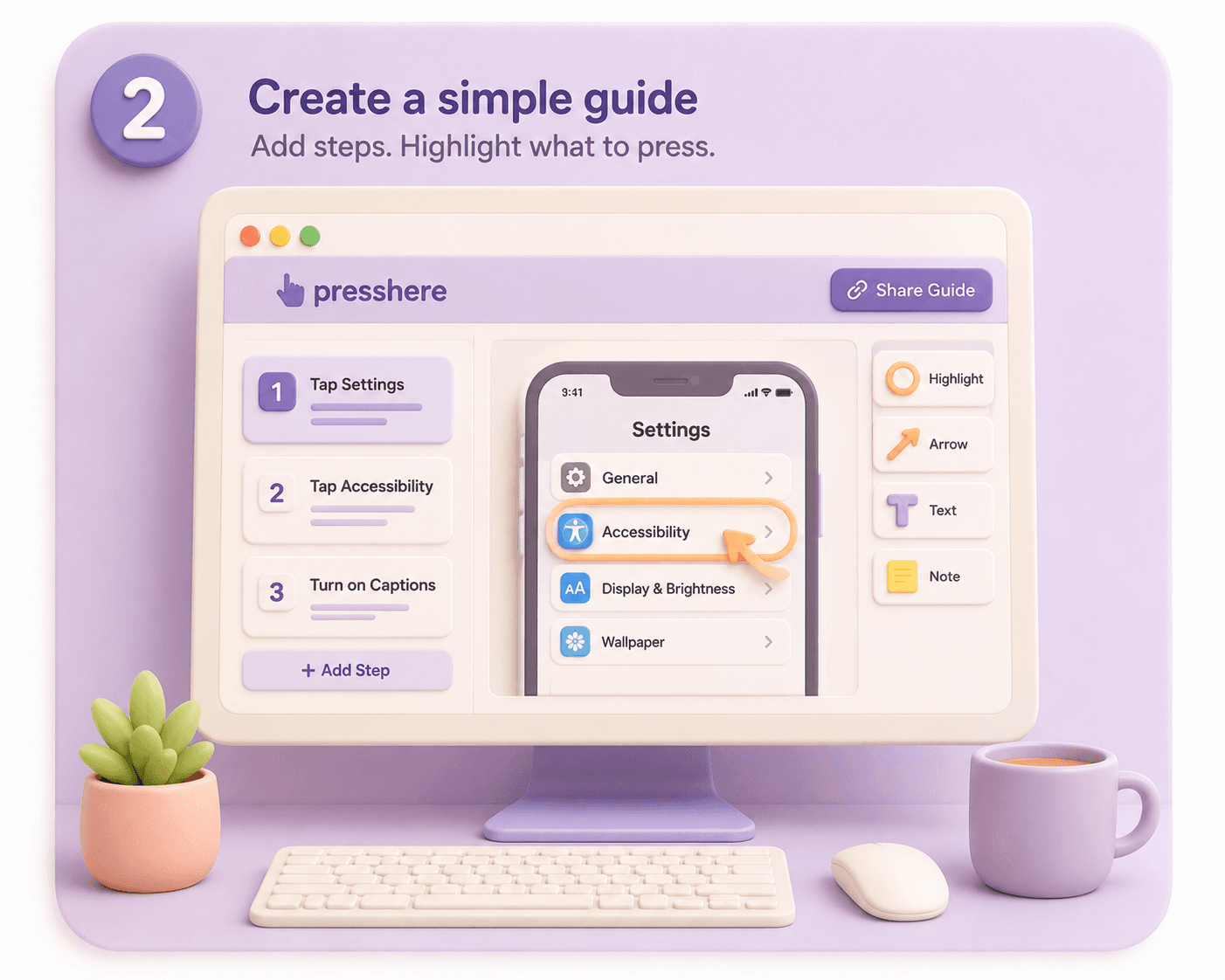
02
Add steps, highlight what to press, and turn a confusing screen into one clear action at a time.
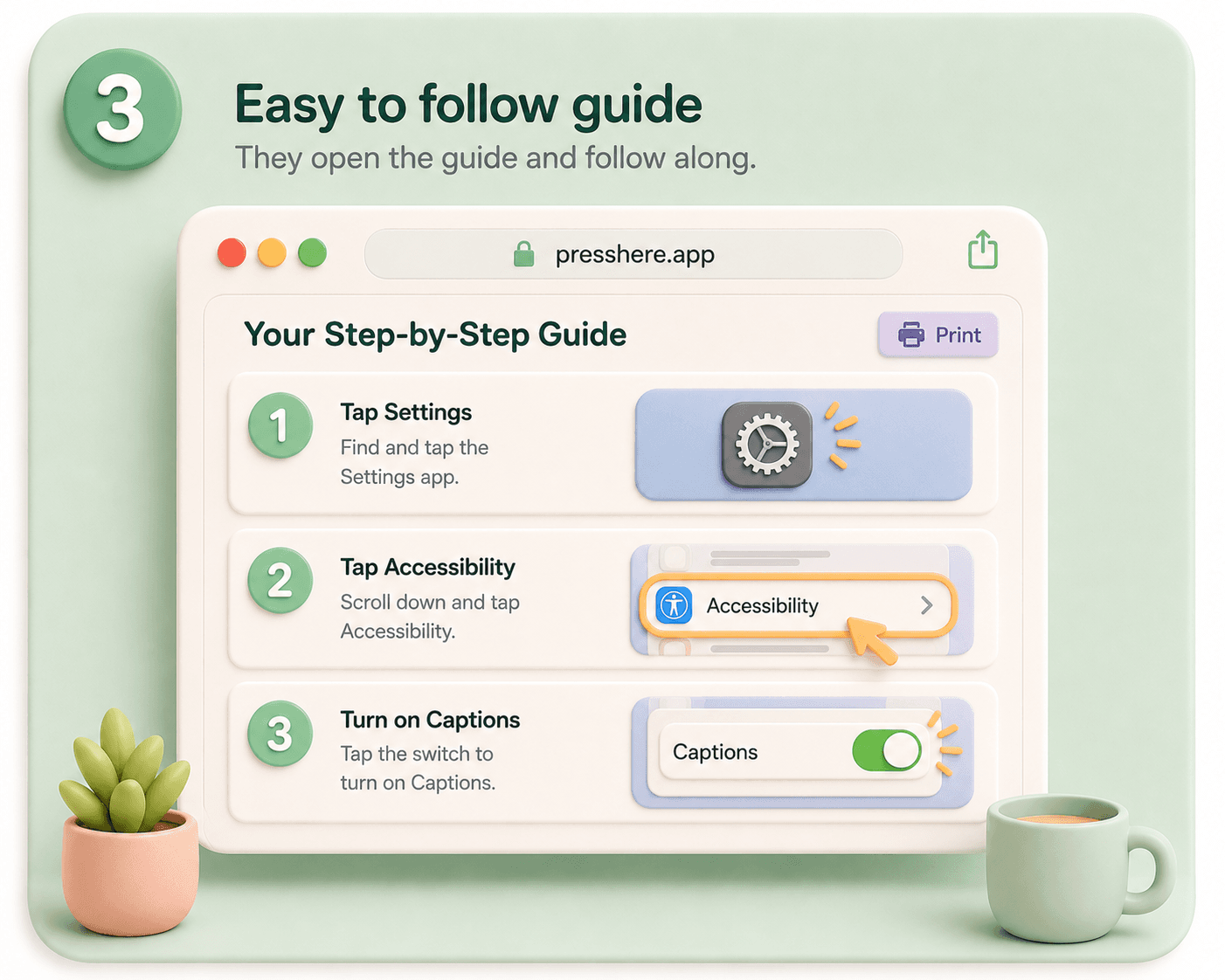
03
No app install needed. They get a private step-by-step guide they can use at their own pace.
Use cases
Use PressHere when the task is simple, but explaining it over the phone is not.
Why PressHere
01
Private share links
Only the person with the link can view the guide
02
No account needed
They open a link — no signup, no install required
03
Designed for readability
Large text, one clear step at a time
04
Voice notes
Add reassurance when short text is not enough
FAQ
PressHere helps when a parent gets stuck on their phone and a regular call turns into guessing. You create a private visual guide with screenshots, simple steps, and optional voice notes so they can follow what to tap without you talking through it blind.
No. They open a private link and follow the guide one step at a time.
Passwords, photos, settings, forms, and everyday app tasks that are hard to explain over the phone.
Yes. Voice notes can add reassurance when short text is not enough.
No. PressHere is for visual guidance, not taking control of someone else's phone.
Use it for guidance, not for collecting private information. Avoid putting passwords, banking details, medical details, or verification codes directly into a guide.
PressHere is for adult children, relatives, and trusted helpers who support someone with everyday phone tasks from a distance.
Texts get buried and are hard to match to the screen. PressHere keeps each screenshot, instruction, and voice note together in the order your parent needs it.
Yes. The same kind of guide can help with repeat tasks, like sending photos, checking settings, or signing into a familiar app.
Join the waitlist and be first to try PressHere when it launches.
Join the waitlist